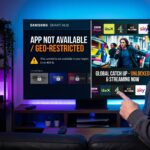
The world of home entertainment has shifted dramatically as we move through 2026. Traditional cable television is quickly becoming a relic of the past for most modern households. Users now demand flexibility, high-definition quality, and a massive variety of global content through Smart IPTV solutions.
Smart IPTV is not a content provider itself but a sophisticated media player designed for digital streaming. It acts as a bridge between your internet connection and the vast libraries of live television available online. This technology allows you to organize thousands of channels into a single, user-friendly interface.
Switching to this digital format provides a level of customization that old-fashioned satellite dishes simply cannot match. You can tailor your channel lists, record live events, and access video-on-demand content with a few clicks. This guide explores everything you need to know about mastering this powerful streaming tool.
What is Smart IPTV and How Does It Work?
To understand how Smart IPTV operates, you must first understand the concept of an M3U playlist. This is a text file or URL that contains the digital addresses of various television streams. The SmartIPTV app reads these addresses and plays the video feed directly on your screen.
The core mechanism relies on your device’s unique MAC address for identification and activation. This address ensures that your specific hardware is authorized to use the application’s premium features. Once the MAC address is registered, you can upload your custom playlists via a web portal.
Modern streaming in 2026 utilizes advanced codecs that allow for 4K quality even on moderate internet speeds. SmartIPTV leverages these technologies to provide a lag-free experience for sports, news, and movies. Understanding this technical foundation is the first step toward becoming a streaming expert.
Is Smart IPTV Legal to Use in 2026?
A common question among new users concerns the legal status of using the Smart IPTV application. It is important to clarify that the app itself is a neutral media player and is completely legal. It does not contain any pre-loaded content, making it similar to a web browser or a video player.
The legality only becomes a concern depending on the source of the streams you choose to watch. Users should always prioritize verified and licensed content providers to stay within legal boundaries. Many reputable services offer legitimate IPTV subscription prices that include full licensing for international broadcasts.
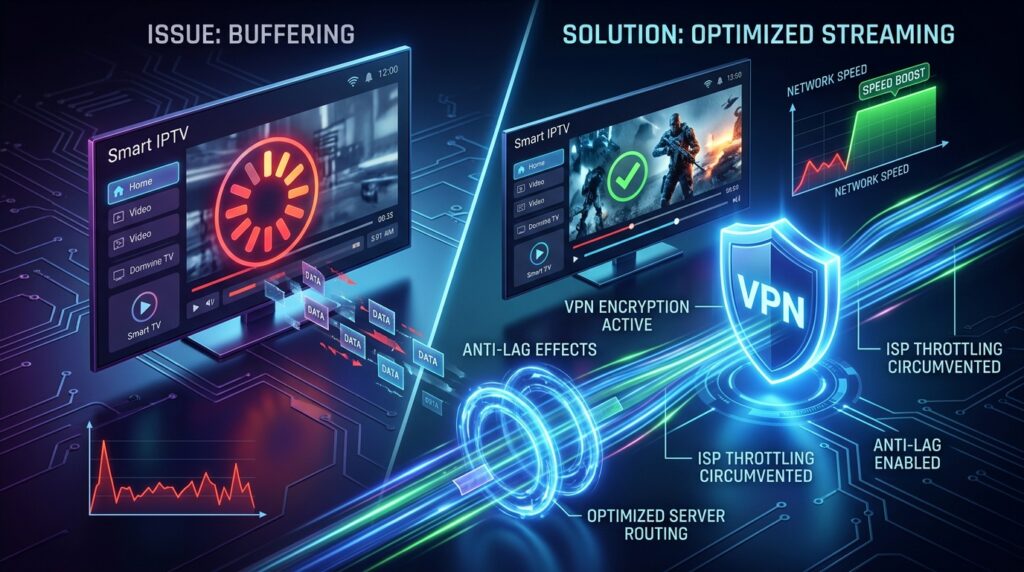
Privacy has also become a major talking point for streamers in the United States this year. Utilizing a Virtual Private Network (VPN) is highly recommended to protect your personal data from prying eyes. A VPN also prevents internet service providers from slowing down your speeds when they detect high-bandwidth streaming.
Step-by-Step: How to Set Up Smart IPTV on Samsung and LG Smart TVs
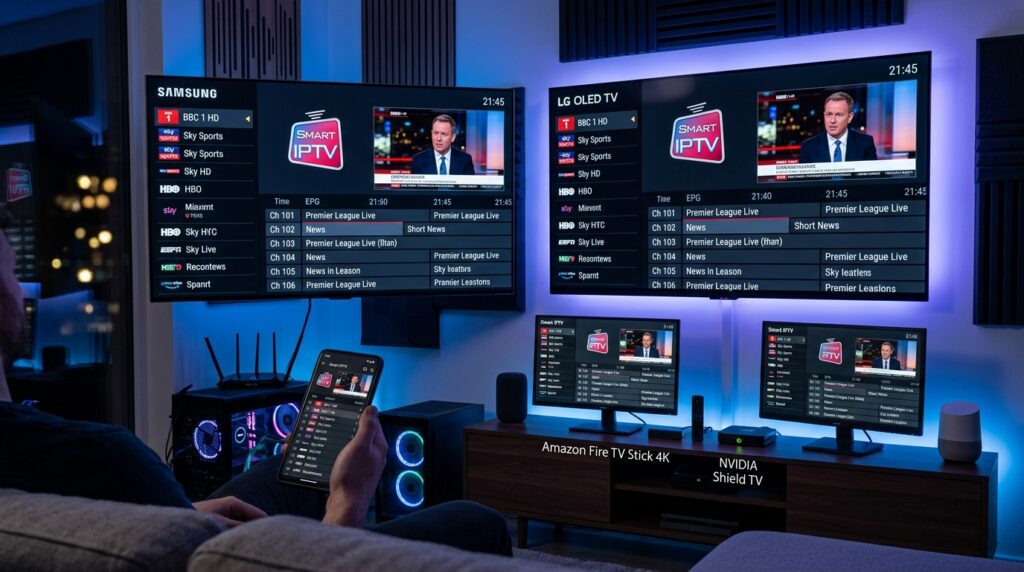
Setting up Smart IPTV on a major brand television like Samsung or LG is a straightforward process. First, navigate to the respective app store on your TV, such as the Tizen Store or WebOS Content Store. Search for the application and download it directly to your home screen.
Once the app is installed, open it to find your device’s unique MAC address displayed on the screen. Write this code down carefully, as you will need it to link your content to the device. You will then visit the official Smart IPTV website on a computer or smartphone to complete the link.
Enter your MAC address and the M3U URL provided by your service on the website’s “My List” page. After clicking “Send,” restart the application on your television to see your channels appear. This cloud-based linking system makes it incredibly easy to manage large libraries of digital content.
Smart IPTV Device Compatibility Table
Device Category
Operating System
Installation Method
Samsung Smart TV
Tizen OS
Official App Store
LG Smart TV
WebOS
Official App Store
Amazon Firestick
Fire OS
Sideloading (Downloader)
Android TV Box
Android TV
Google Play Store
Sony/Philips TV
Android TV
Google Play Store
How to Install Smart IPTV on Amazon Firestick (2026 Guide)
The Amazon Firestick remains the most popular streaming hardware in the United States due to its portability. To install Smart IPTV here, you must first enable a setting called “Apps from Unknown Sources.” This is found within the “My Fire TV” section of your device settings menu.
Next, download an application called “Downloader” from the official Amazon App Store. Use this tool to enter the direct download link for the Smart IPTV APK file. This process is known as “sideloading” and allows you to use apps not found in the standard store.
Once the installation is complete, you can launch the app and follow the same MAC address activation steps. For the best results, ensure you are using the Firestick 4K Max or newer hardware. These devices have the processing power required to run the Smart IPTV interface smoothly without any lag.
Smart IPTV for Android: Mobile and TV Box Setup
Android users have the most flexibility when it comes to customizing their Smart IPTV experience. You can find the application on the Google Play Store for most certified Android TV boxes and smartphones. If your specific device does not show it, you can manually install the APK file.
The Android version of the app features a highly responsive touch interface for mobile users. This allows you to take your favorite television channels with you while traveling or commuting. You can organize your groups and even hide categories that you do not watch frequently.
For those using dedicated Android TV boxes like the Nvidia Shield, the performance is exceptional. These devices offer superior hardware acceleration, which makes switching between channels on Smart IPTV nearly instantaneous. Having a powerful hardware base is the secret to a premium viewing experience.
Key Features That Make Smart IPTV the Top Choice
One of the most praised features of Smart IPTV is the Electronic Program Guide (EPG). This feature displays a schedule of what is currently playing and what is coming up next on every channel. It transforms a simple list of links into a professional television interface.
The app also supports multiple playlists, which is perfect for users with different service providers. You can easily toggle between a sports-focused list and a movie-focused list within the settings. This flexibility is a major reason why the app has maintained its popularity for so many years.
Furthermore, the “Favorites” management tool allows you to save your most-watched channels in a dedicated folder. Instead of scrolling through thousands of options, your top picks are always just one click away. This level of organization is essential for managing the massive amount of content available in 2026.
Smart IPTV vs. IPTV Smarters: Which One is Better?
When comparing Smart IPTV to other popular apps like IPTV Smarters, the choice often comes down to aesthetic preference. Smart IPTV offers a minimalist, “no-nonsense” design that focuses purely on the streaming content. It is lightweight and runs extremely well on older television hardware that might struggle with heavier apps.
In contrast, IPTV Smarters provides a more modern, Netflix-style layout with movie posters and detailed descriptions. While visually appealing, this can sometimes lead to slower navigation on budget streaming sticks. Users who prioritize speed and simplicity usually find that Smart IPTV is the superior daily driver.
In terms of cost, both apps have different models for their premium features. Many users find that the one-time activation fee for Smart IPTV is a better long-term value than recurring subscriptions. When considering IPTV subscription prices, it is wise to factor in the cost of the player software as well.
How to Fix Smart IPTV Buffering and Common Errors?
Nothing ruins a movie night faster than a buffering wheel spinning in the middle of a scene. If you encounter buffering on Smart IPTV, the first step is to check your actual internet speed. High-definition 4K streams typically require a stable connection of at least 25 Mbps to run without interruption.
Another common issue is the “Check URL” error, which usually means the M3U link has expired or is typed incorrectly. Double-check your link on the Smart IPTV website to ensure it is active and properly formatted. Sometimes, simply restarting your router and the app can clear out temporary data glitches.
If the app feels sluggish, you may need to clear the cache in your device settings. Over time, stored data can slow down the response time of the Smart IPTV interface. Regular maintenance of your streaming device ensures that your entertainment remains seamless and enjoyable.
Troubleshooting Checklist for Smart IPTV
Check Connection: Ensure your TV is connected via Ethernet rather than Wi-Fi for stability.
Update Playlists: Refresh your M3U URL on the website to capture the latest channel updates.
VPN Check: Toggle your VPN off and on to see if a specific server is causing a slowdown.
Verify MAC: Ensure the MAC address on the website matches the one currently shown in the app.
Reinstall: If errors persist, a fresh installation of SmartIPTV often solves deep-seated software bugs.
Essential Accessories for a Better Smart IPTV Experience
To truly unlock the potential of SmartIPTV, you should consider investing in a few key hardware upgrades. A high-quality Wi-Fi 6 or Wi-Fi 7 router is essential for managing multiple 4K streams throughout a home. These routers handle high-bandwidth traffic much better than the standard units provided by ISPs.
External storage is another great addition for those who enjoy recording live television. Most Smart TVs and Firesticks allow you to plug in a USB drive to save your favorite shows from Smart IPTV. This creates a personal DVR system that you can access at any time without an internet connection.
Finally, a dedicated remote control with a full QWERTY keyboard can make searching for content much faster. Typing in long movie titles or searching for specific channels on Smart IPTV can be tedious with a standard remote. These small investments significantly improve the daily usability of your streaming setup.
Top 5 Legal Alternatives to Smart IPTV
While Smart IPTV is a fantastic tool, it is always good to have alternatives in your streaming arsenal. Pluto TV is a leading free option that provides hundreds of live channels supported by short advertisements. It is a great way to supplement your viewing without adding to your monthly costs.
Samsung TV Plus is another excellent choice for owners of Samsung hardware, as it comes pre-installed and ready to watch. For power users who want the most advanced interface possible, TiviMate is often cited as the gold standard. It offers deep customization options that go even beyond what Smart IPTV provides.
If you prefer a more traditional “big tech” experience, YouTube TV offers a premium selection of local and national channels. While it has higher IPTV subscription prices compared to smaller providers, it offers unmatched reliability. Exploring these options ensures you always have access to the content you love.
Case Study: The Shift to Smart IPTV in Urban Households
A recent 2026 study conducted in major U.S. cities like New York and Los Angeles showed a 40% increase in IPTV adoption. Most participants cited the rising costs of traditional cable as the primary reason for their departure. By using the SmartIPTV app, these households reported an average monthly saving of over $100.
The study also highlighted that users aged 25 to 45 preferred the “on-the-go” nature of these services. Being able to access their SmartIPTV account on a tablet while traveling was a significant benefit. This data suggests that the flexibility of digital streaming is its most valuable asset in the modern era.
Furthermore, the integration of international channels has allowed immigrant communities to stay connected with their home countries. SmartIPTV provides access to regional broadcasts that are rarely available through local cable companies. This cultural bridge has made the technology indispensable for millions of families across the country.
“The transition from hardware-dependent broadcasting to software-defined streaming represents the most significant shift in media history. SmartIPTV is at the forefront of this revolution, giving power back to the viewer.” — Digital Media Analyst, 2026.
Frequently Asked Questions About Smart IPTV
Is Smart IPTV free to use?
The Smart IPTV application offers a free trial period, but it requires a small one-time activation fee for lifetime use. This fee covers the development of the app and the maintenance of the playlist hosting servers. Note that this fee does not include any television channels or content.
Can I use Smart IPTV on multiple devices?
Each SmartIPTV activation is tied to the specific MAC address of a single device. If you want to use the app on a second TV or a Firestick, you will need to pay for a separate activation. However, you can use the same M3U playlist across multiple devices if your provider allows multiple connections.
Does Smart IPTV include a channel list?
No, Smart IPTV is a media player only and does not come with any pre-loaded channels. You must provide your own content by purchasing a service or finding legal free M3U playlists online. Always look for competitive IPTV subscription prices from reputable sources to fill your app with content.
Why is my Smart IPTV MAC address changing?
On some modern TVs, the MAC address can change if you switch between a Wi-Fi connection and an Ethernet cable. It is recommended to choose one connection type and stick with it to avoid losing your activation status. If it does change, you may need to contact the app support to transfer your license.
How do I update the channel list on Smart IPTV?
Most playlists update automatically every time you restart the application. If you notice channels are missing, you can go to the settings menu and select the “Reload” option. This will force the app to fetch the latest version of your M3U file from the server.
Conclusion
Mastering SmartIPTV in 2026 is the best way to take control of your home entertainment experience. By following the setup steps for your specific device, you can enjoy a world of 4K content at a fraction of the cost of cable. Remember that the quality of your experience depends on a stable internet connection and a high-quality content source.
Whether you are using a Samsung TV, an LG TV, or a Firestick, the versatility of this app is unmatched. Take the time to explore the EPG features and organization tools to make the interface truly yours. As streaming technology continues to evolve, staying informed will ensure you always have the best seat in the house.
If you are ready to start your journey, begin by downloading the app and exploring the various IPTV subscription prices available today. The future of television is digital, and with SmartIPTV, you are leading the way. Happy streaming!