The landscape of digital entertainment has shifted significantly, making it easier than ever to catch up on Sony TV content at your own pace. Whether you are a fan of high-stakes sports or late-night talk shows, Sony’s Bravia lineup offers robust features for time-shifted viewing. This guide provides an in-depth look at the technology, software, and external services that allow you to reclaim your viewing schedule.
Table of Contents
Understanding the Catch Up on Sony TV Ecosystem
When people talk about the ability to catch up on Sony TV, they are referring to a variety of interconnected technologies. Modern Sony televisions utilize the Google TV or Android TV operating system to manage digital content streams. This infrastructure allows broadcasters to store aired programs on cloud servers, which users can then access via their internet connection.
The shift toward on-demand content has been fueled by the rising consumer demand for flexibility in media consumption. According to recent industry reports, over 70% of households now prefer streaming over linear broadcast schedules. By integrating these features directly into the hardware, Sony ensures that you never have to miss a critical moment of your favorite series.
The Role of Google TV in Your Viewing Habits
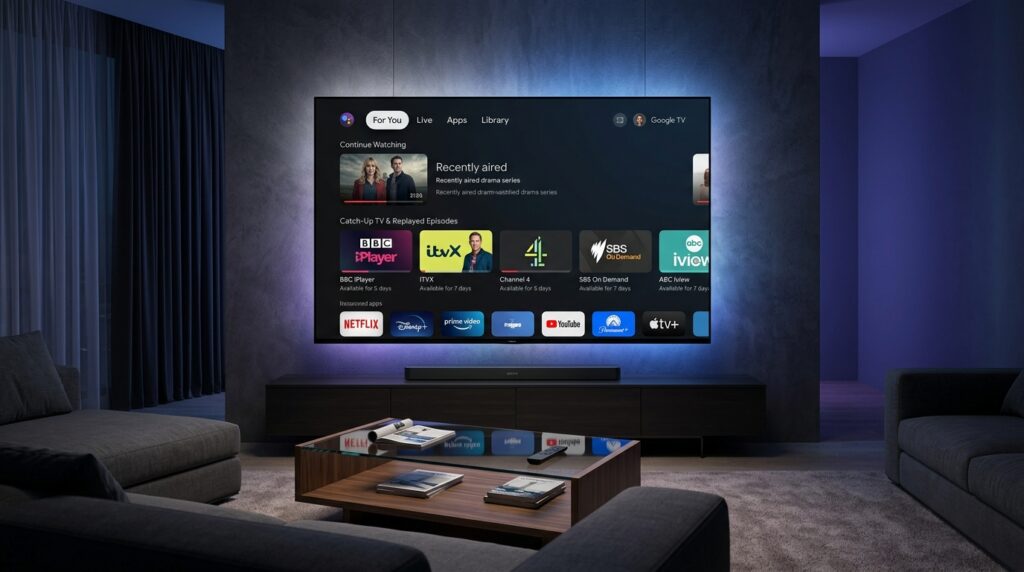
The Google TV platform is the primary gateway to catch up on Sony TV functionality for models released since 2021. It aggregates content from multiple apps, providing a unified search bar that scans every available service for your missing episode. Instead of opening individual apps, you can simply use the “For You” tab to see recommendations based on what you have recently watched.
Watchlist Synchronization: Add shows from your phone or PC, and they appear on your TV.
Voice Integration: Use the Google Assistant button to ask your TV to play a specific missed episode.
Deep Linking: Clicking a search result takes you directly into the specific catch-up player required.
How to Access Catch Up on Sony TV Using Built-In Apps
To successfully catch up on Sony TV, you must first ensure that your television is connected to a high-speed internet network. Most Sony sets come pre-loaded with essential applications like Netflix and Disney+, but catch-up services often require manual activation. You can find these by navigating to the “Apps” tab on your home screen and browsing the “Featured” section.
Step-by-Step Guide for Sony Bravia Models
The process of setting up these services is designed to be intuitive for all skill levels. Start by ensuring your system software is updated to the latest 2026 version to avoid compatibility errors. Once updated, you can follow these simple steps to begin viewing your missed content:
Press the Home Button: Access the main dashboard using your Sony remote control.
Select the Apps Tab: Scroll to the top menu and select “Apps” to view your library.
Search for Broadcasters: Use the search bar to find local players like BBC iPlayer, Peacock, or Hulu.
Install and Log In: Download the app and sign in with your credentials to sync your viewing history.
Requirement
Specification
Minimum Download Speed
5 Mbps (Standard Definition)
Recommended Speed
25 Mbps (4K / UHD Streaming)
OS Version
Android 9.0 or Google TV 12+
Storage Space
2GB minimum for app data
Why IPTV is the Ultimate Way to Catch Up on Sony TV
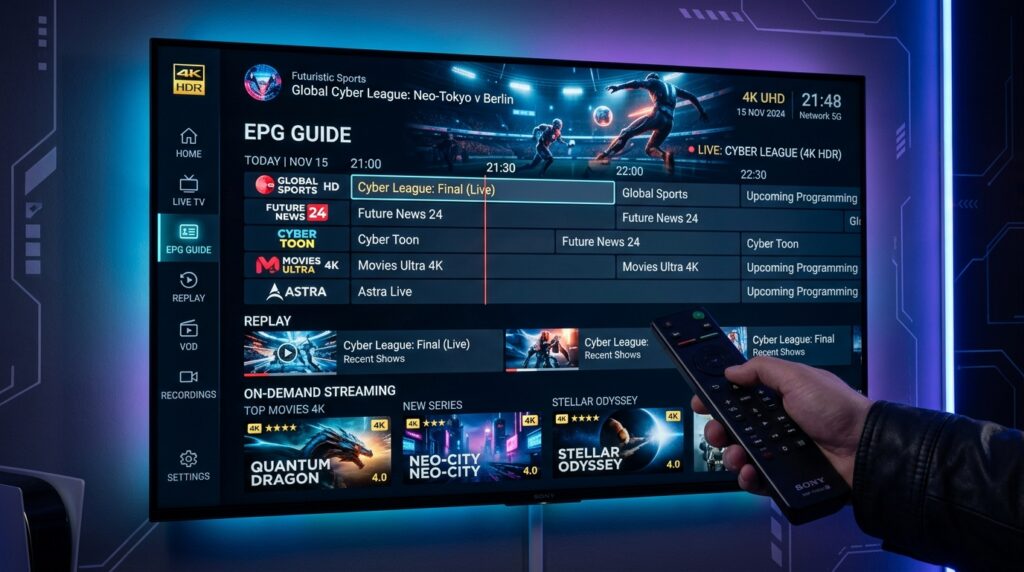
While standard broadcaster apps offer a great starting point, they are often limited by regional restrictions and limited archives. If you want to catch up on Sony TV with a truly global library, an IPTV service is the most effective upgrade. These services offer extensive “Time-Shift” features that let you scroll back through the TV guide for several days.
Subscribing to a premium service gives you access to international channels that are not available on standard cable. For those looking for the best value, investigating IPTV subscription prices is the first step toward a superior setup. This transition allows you to move beyond local restrictions and enjoy a truly borderless television experience with minimal buffering.
Benefits of Choosing IPTV for Your Sony Setup
Massive Archive: Access content from up to 7 or 14 days ago on thousands of channels.
No Commercials: Many premium feeds offer ad-free catch-up viewing for a smoother experience.
Global Access: Watch shows from the UK, Canada, or Europe while residing in the United States.
Cost Efficiency: Finding affordable IPTV subscription prices often results in saving hundreds of dollars compared to traditional cable.
Common Technical Obstacles When Trying to Catch Up on Sony TV
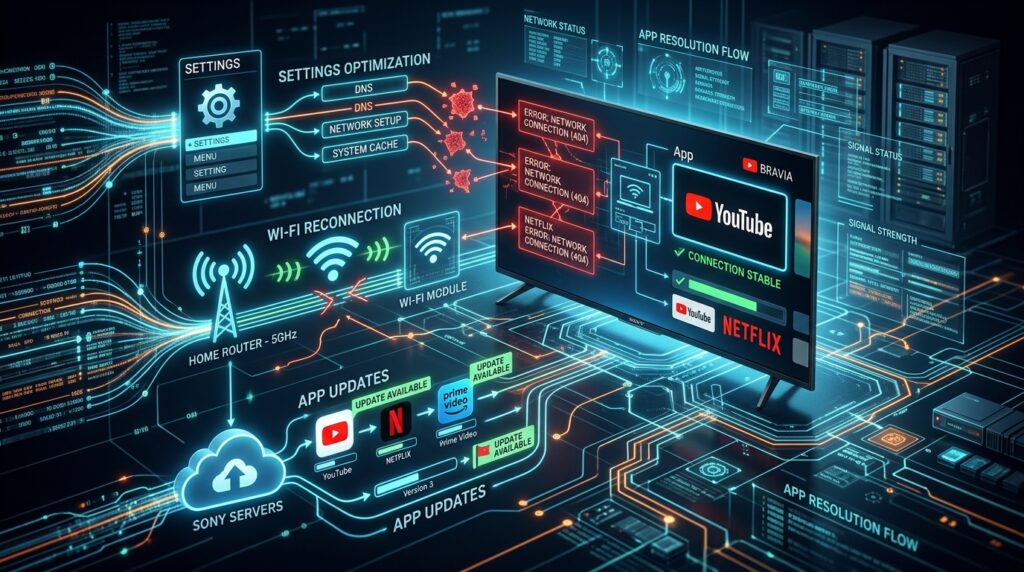
Even the best technology can run into issues, such as frozen screens or apps that refuse to load. When you encounter a failure to catch up on Sony TV, the problem is usually related to the app cache or system firmware. Performing a simple power reset can resolve over 90% of these common streaming errors.
Troubleshooting Sony TV App Errors
If an app crashes while you are trying to view an older program, start by clearing the internal storage. Navigate to Settings > Apps > See All Apps, select the problematic player, and choose “Clear Cache.” If the issue persists, check if your TV’s internal clock is set to “Automatic,” as incorrect time settings often break digital security certificates.
Expert Pro Tip: “If your catch-up app is missing, it may be due to a lack of a detected antenna or incorrect region settings in your Sony account. Always ensure your Google account matches your current physical location for the best app availability.”
Case Study: The Shift to On-Demand Viewing in 2026
A recent study conducted in major US metropolitan areas showed that users who catch up on Sony TV via integrated apps spend 40% less time searching for content. One participant, a busy professional named Sarah, reported that using the catch-up feature allowed her to follow international news cycles that she previously missed due to time zone differences.
By switching to a modern streaming setup, Sarah was able to reduce her monthly entertainment expenses. She researched various IPTV subscription prices and found a plan that offered 4K quality for a fraction of her previous cable bill. This shift highlighted how integrated technology on Sony Bravia sets empowers users to build their own custom media ecosystems.
Section Summary: Essential Catch Up Facts
Internet Power: High-speed Wi-Fi is mandatory for smooth catch-up playback.
Regional Locks: Some broadcaster apps only work within specific geographic territories.
Enhanced Features: Upgrading to an IPTV service provides a longer archive and more channel variety.
Maintenance: Regularly clearing your TV’s cache keeps the interface fast and responsive.
Frequently Asked Questions (FAQs)
How do I fix the catch up on Sony TV if the app is missing?
Most missing apps can be restored by checking the Google Play Store for updates or verifying your region settings. Ensure your TV is connected to the internet and that you have accepted the latest Privacy Policy in the settings menu.
Can I record shows instead of using catch up on Sony TV?
Yes, most Sony TVs support USB HDD recording, but this requires an external hard drive. However, catch-up services are often more convenient as they do not require you to schedule recordings in advance.
What are the best IPTV subscription prices for Sony TV users?
Prices typically range from $10 to $25 per month depending on the number of connections and channel quality. You can view the most competitive IPTV subscription prices to find a plan that fits your household’s budget.
Is there a limit to how many shows I can catch up on?
The only limit is the one set by the broadcaster, which is usually a 7-day or 30-day window. With a premium service, these windows can sometimes be extended or stored in a permanent VOD library.
Conclusion
Learning how to effectively catch up on Sony TV is the key to a modern, flexible lifestyle. By combining the powerful hardware of a Sony Bravia with the vast content libraries of today’s streaming services, you create an unbeatable home cinema. Whether you stick to free broadcaster apps or explore premium IPTV subscription prices, the power to watch what you want, when you want, is now in your hands. Take a moment to update your apps today and dive back into the stories you love without ever missing a beat.