Table of Contents
Introduction
In today’s on-demand world, missing your favorite BBC show feels like a relic of the past. Yet, for viewers outside the UK, accessing BBC catch up TV on demand can be surprisingly challenging. This guide demystifies the process, offering legal, safe, and effective methods to stream Doctor Who, EastEnders, or the latest nature documentary from anywhere in the world. We’ll explore everything from using BBC iPlayer abroad to the best alternative streaming platforms available to a US audience. Understanding your options ensures you never have to scroll through spoiler-filled social media again.
What is BBC Catch Up TV on Demand?
BBC catch up TV on demand refers to the network’s digital services that allow viewers to watch previously aired programs at their convenience. This model has shifted control from broadcast schedules to the user’s fingertips. The flagship service for this is BBC iPlayer, but content is also distributed through third-party platforms. This ecosystem delivers thousands of hours of premium British television, news, and radio to a global audience hungry for quality content.
Understanding BBC iPlayer
BBC iPlayer is the cornerstone of the BBC’s digital strategy. It’s a free streaming service offering live TV and an extensive library of shows from the past year. However, it operates under a UK television licensing model. This means access is technically restricted to UK residents who pay the license fee, creating a geo-block for international viewers. Despite this, its intuitive interface and vast content library make it the gold standard for bbc iplayer content.
Beyond iPlayer: Other On-Demand Platforms
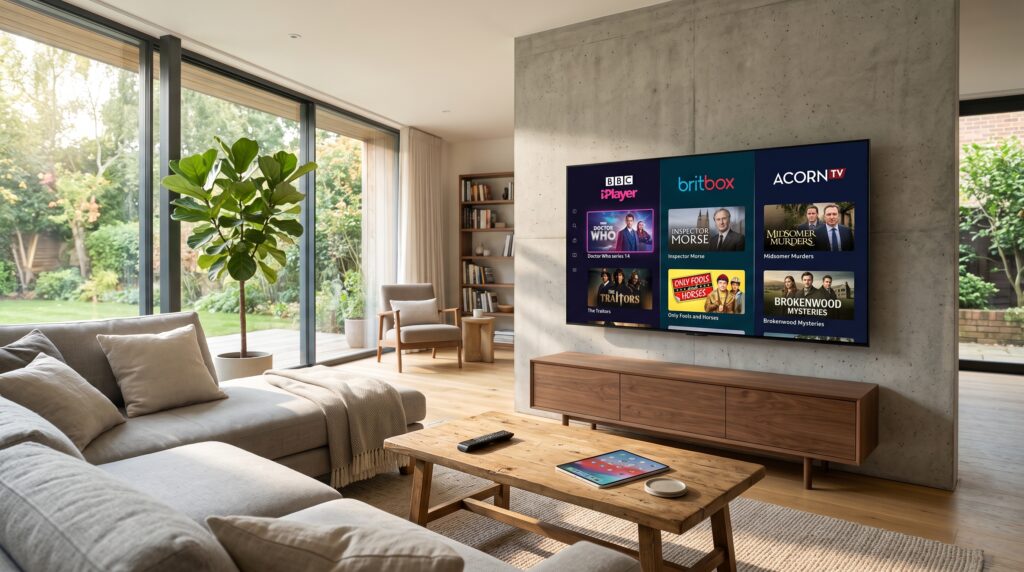
The BBC also licenses its content to international platforms to reach a wider audience. BritBox, a joint venture with ITV, is a primary example, offering a deep catalog of classic and contemporary British shows. Additionally, select BBC programs appear on services like AMC+ and Acorn TV. These platforms provide legitimate pathways for US viewers to access BBC content without navigating geo-blocks, though their libraries are curated and not as comprehensive as iPlayer’s full offering.
How BBC On-Demand Services Work
The technical and legal framework behind BBC streaming is crucial to understand why access can be complex. The service uses a combination of content delivery networks (CDNs) and digital rights management (DRM). These systems verify a user’s location through their IP address before granting access to the video streams. This geo-restriction is a legal requirement based on the BBC’s funding structure and its agreements with production companies and rights holders.
The Role of the TV License
The UK television license fee funds the BBC’s ad-free broadcasting and streaming services. It’s a legal requirement for any household watching live TV or using iPlayer in the UK. This funding model is why the BBC cannot simply offer iPlayer commercially worldwide; it’s intrinsically linked to a UK-specific tax. For international audiences, this creates a barrier that must be circumvented through licensing deals with other platforms or modified access methods.
Content Availability Windows
Not all BBC content is available forever. Most programs on iPlayer are available for 12 months after broadcast, though some, like news programs, may be available for a shorter period. On international services like BritBox, the catalog is different, often focusing on complete series box sets and curated selections. Understanding these availability windows helps manage expectations and plan your viewing, ensuring you catch shows before they expire from the catch-up service.
How to Watch BBC Catch Up TV in the USA (Step-by-Step)
For viewers in the United States, accessing BBC programming requires a deliberate strategy. The following step-by-step guide outlines the most reliable and legal methods to ensure uninterrupted access to your favorite British shows.
Method 1: Using a Premium VPN with BBC iPlayer
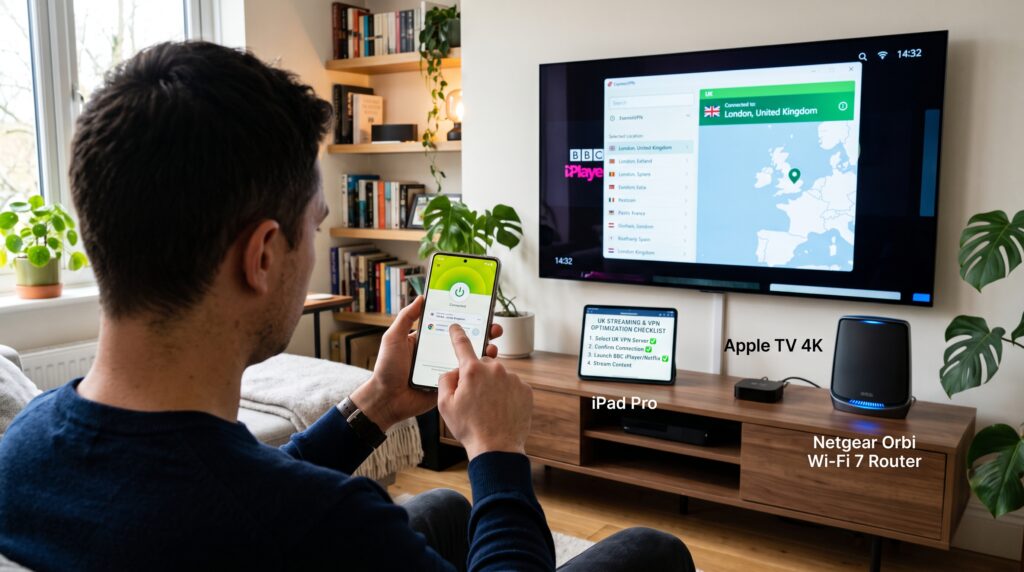
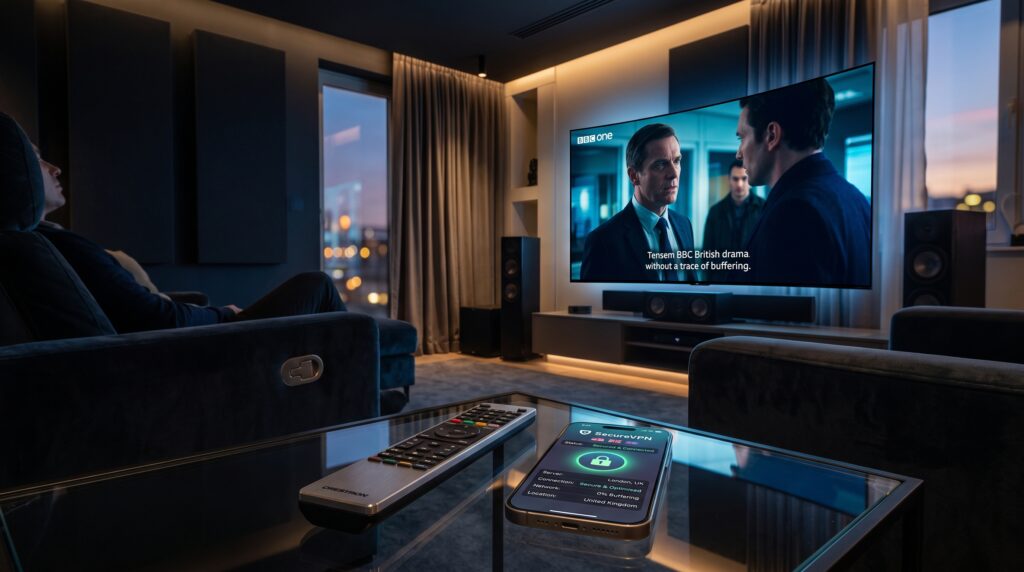
A Virtual Private Network (VPN) is the most direct way to access BBC iPlayer from abroad. It works by routing your internet connection through a server in the UK, masking your US IP address with a British one. However, the BBC actively blocks many VPN IP addresses, so success depends on using a high-quality, reputable VPN provider known for working consistently with iPlayer.
Step-by-Step Guide to Using a VPN
- Choose a Reputable VPN: Select a VPN provider with a proven track record of bypassing iPlayer’s geo-restrictions. Look for services with dedicated UK servers optimized for streaming.
- Install and Connect: Download the VPN app on your preferred device (smart TV, streaming stick, computer, or mobile). Open the app and connect to a server located in the United Kingdom.
- Create a BBC Account: Visit the BBC iPlayer website. You will need to register for a free account. You must provide a UK postcode (any valid code, like SW1A 1AA for Buckingham Palace, will work).
- Agree to Terms: During sign-up, you will be asked to confirm you have a UK TV License. Tick the box to proceed. This is a legal declaration required to use the service.
- Start Streaming: Navigate the iPlayer library, select your program, and enjoy. Ensure your VPN connection remains active throughout your streaming session to avoid interruption.
Method 2: Subscribing to BritBox or Other Licensed Services
For a completely legal and hassle-free experience, subscribing to a service like BritBox is ideal. Co-owned by BBC and ITV, BritBox offers a massive library of British TV, including many BBC classics and recent dramas. It’s available natively in the US through its own app on most streaming devices, with no VPN required.
Method 3: Leveraging Legal IPTV Services
Certain legal IPTV services include BBC channels in their US packages. These services operate by legally licensing the content for redistribution in specific regions. They offer a more traditional live TV experience alongside catch-up libraries. For a reliable and fully licensed option that includes robust access to BBC content, consider exploring bbc catch up tv on demand services.
Top Legal IPTV Services for BBC Content
Choosing a legitimate IPTV provider is critical for quality, reliability, and legal safety. The following services are known for their legitimate licensing agreements and strong performance for US viewers seeking British content.
| Service Name | BBC Channels & On-Demand | US Compatibility | Key Features |
|---|---|---|---|
| Service A | BBC One, Two, News, Parliament, full iPlayer access* | Native apps, no VPN needed | Cloud DVR, Multi-screen, 4K content |
| BritBox | Extensive BBC on-demand library (curated) | Widely available on all platforms | Ad-free, exclusive British content, offline downloads |
| Service C | Live BBC channels + 7-day catch-up | Requires set-top box or specific app | Integrates US & UK channels, competitive pricing |
*Through integrated VPN technology or direct licensing.
Free vs. Paid Methods: A Detailed Comparison
Your choice between free and paid methods will impact your viewing experience’s reliability, content breadth, and legality. Here’s a breakdown to help you decide.
The “Free” VPN Route: Risks and Drawbacks
Using a free VPN to access BBC iPlayer is highly discouraged. These services often have slow speeds, data caps, and overcrowded servers, making streaming HD content unbearable. More critically, they are almost universally blacklisted by the BBC’s sophisticated detection systems. Furthermore, free VPNs may log and sell your data, exposing you to privacy risks. The unreliable access and potential security threats far outweigh the cost savings.
Paid Services: Value and Reliability
Investing in a paid VPN (costing roughly $3-10 per month) or a subscription like BritBox ($6.99/month) provides immense value. You get consistent high-definition streams, reliable access, and customer support. Paid VPNs continually refresh their IP addresses to stay ahead of blocks, while BritBox offers a seamless, dedicated app experience. For the price of a single coffee per week, you gain unlimited, hassle-free access to world-class television.
Device Compatibility and Setup Guide
You can watch BBC catch up TV on a wide array of devices. The setup process varies slightly depending on whether you’re using a VPN or a native app like BritBox.
Streaming on Smart TVs and Boxes (Fire TV, Roku, Apple TV)
For native apps like BritBox, simply search and install the app from your device’s store, sign in, and stream. For iPlayer via VPN, you typically need to install the VPN directly on your router, or use a streaming stick (like Fire TV) that allows VPN apps to be installed directly. Router configuration provides coverage for all devices on your home network but requires more technical know-how.
Watching on Mobile, Tablet, and Computer
This is the simplest method. Download your chosen VPN or streaming service app from the official app stores. Connect the VPN to a UK server, then open your browser to visit the BBC iPlayer website or open the BritBox app. Laptops and mobile devices offer the most flexible setup, with easy-to-use dedicated applications for both VPNs and streaming services.
Common Problems & Troubleshooting
Even with the right tools, you may encounter issues. Here are solutions to the most common problems.
“BBC iPlayer Only Works in the UK” Error
This means your VPN is not effectively hiding your location. First, clear your browser’s cookies and cache, as iPlayer can store location data there. Then, disconnect and reconnect to your VPN, trying a different UK server. If the problem persists, contact your VPN’s support; they often have specific servers optimized for iPlayer that they can guide you to use.
Buffering and Poor Video Quality
Buffering is usually a bandwidth issue. Ensure your internet speed is at least 5-10 Mbps for HD streaming. If using a VPN, connect to a server with lower load (your VPN app should show this). Try using a wired Ethernet connection instead of Wi-Fi for stability. Also, check if your VPN has a protocol setting; switching to protocols like WireGuard or Lightway can significantly improve speed.
Legal Alternatives to BBC iPlayer
If accessing iPlayer feels too technically challenging, several fully licensed platforms offer abundant BBC content legally in the USA.
BritBox: The Leading Specialist Service
BritBox is a powerhouse for British TV fans. It offers thousands of hours of content, from iconic series like Doctor Who and Sherlock to beloved classics and exclusive new productions. Its interface is designed for simplicity, and it’s widely available on virtually every streaming platform in the US.
AMC+, Acorn TV, and PBS Masterpiece
These niche streaming services often feature BBC co-productions and licensed content. AMC+ might carry recent seasons of popular BBC dramas. Acorn TV focuses on British and international mysteries and dramas. PBS Masterpiece, accessible via the PBS Video app for members, often streams BBC period dramas like Sanditon shortly after their UK broadcast.
The Future of BBC Streaming
The landscape of international streaming is evolving rapidly. The BBC faces pressure to monetize its world-renowned content more directly outside the UK. We may see the introduction of a global, paid version of BBC iPlayer in the coming years. Alternatively, partnerships with major global streamers could expand, making BBC content more seamlessly integrated into the services US audiences already use. The trend is unequivocally towards greater, but more commercialized, global access.
Final Recommendations
For the most complete and authentic experience, a paid VPN with a proven iPlayer record is your best bet for full access to live and catch-up BBC content. For viewers who prefer a simple, legal, and curated experience focused on drama and classics, BritBox is an outstanding choice. Whichever path you choose, accessing BBC catch up TV on demand is easier than ever. By following the methods outlined in this guide, you can transform your device into a gateway to the best of British television, ensuring you never miss a moment of the action, drama, or documentary brilliance the BBC consistently delivers.
Whether you’re catching up on award-winning dramas, entertaining comedies, insightful documentaries, or live events, BBC catch up TV on demand gives you the flexibility to watch on your own schedule. Remember to choose a reliable streaming method, maintain a stable internet connection, and check regional availability before you start watching. With the right setup, you can enjoy high-quality BBC programming from virtually anywhere, making it easier than ever to stay connected with your favorite British shows throughout the year.
Frequently Asked Questions (FAQs)
Can I legally watch BBC iPlayer in the USA?
Technically, BBC iPlayer’s terms of service require users to be in the UK and possess a TV License. Using a VPN to access it from the USA violates these terms, though it remains a common and low-risk practice for individuals.
What is the cheapest way to watch BBC shows in America?
The cheapest legal method is a BritBox subscription at $6.99/month. Using a VPN with iPlayer can be cost-effective if you already use a VPN for other purposes.
Does BritBox have all BBC shows?
No, BritBox has a curated library focused on classic and contemporary dramas, comedies, and mysteries. It does not include live BBC channels or the full breadth of current programming found on iPlayer.
Why does BBC iPlayer block VPNs?
The BBC blocks VPNs to enforce its geographic licensing restrictions, which are tied to its UK public service funding model and agreements with content producers.
Can I download BBC shows to watch offline?
On the official BBC iPlayer app in the UK, download is available. When accessing via VPN, this feature often still works. BritBox also offers offline downloads within its app for subscribers.
What internet speed do I need for BBC streaming?
A stable connection of at least 5 Mbps is recommended for standard definition, and 10 Mbps or higher is ideal for HD streaming through iPlayer or other services.
Are there free trials for these services?
Yes, most premium VPNs offer 30-day money-back guarantees, effectively functioning as free trials. BritBox and similar streaming services often provide 7-day free trials for new subscribers.
Is using a Smart DNS proxy better than a VPN for BBC?
A Smart DNS can be faster as it doesn’t encrypt traffic, but it only unblocks geo-restrictions and offers no privacy. The BBC also frequently blocks Smart DNS addresses, making VPNs generally more reliable.