Table of Contents
Introduction
Gone are the days of rushing home for a 7 PM broadcast. Today, your iPad is a personal TV studio. It lets you watch your favorite shows on your own schedule. This guide will unlock every method for how to watch catch up TV on iPad.
We will explore official network apps, smart aggregator platforms, and even international options. You will learn to navigate live TV services like Hulu + Live TV and YouTube TV. We will also cover essential setup tips and common pitfalls to avoid.
Whether you are a casual viewer or a cord-cutter, this comprehensive walkthrough has you covered. By the end, you will master the art of on-demand viewing on your tablet. Let’s transform your iPad into the ultimate catch-up device.
What Is Catch Up TV & Why Your iPad Is Perfect
Catch up TV, also known as video-on-demand (VOD), lets you watch shows after they air. Broadcasters typically offer episodes for a limited window, like 7 to 30 days. This model has become the standard for modern television consumption, making it easier than ever to watch catch up tv on ipad.
Your iPad is arguably the ideal device for this content. Its high-resolution Retina display brings vivid colors and sharp detail to every scene. The portable form factor means you can watch catch up tv on ipad in bed, on a commute, or in the kitchen.
The touch interface makes browsing libraries incredibly intuitive. Combine that with long battery life and powerful speakers, and you have a winner. It seamlessly bridges the gap between a smartphone and a laptop for media, giving you a convenient way to watch catch up tv on ipad wherever you are.
The Evolution of On-Demand Viewing
On-demand viewing started with network websites requiring a computer. The rise of smartphones and tablets created a mobile-first demand. Apps became the primary delivery method, optimized for touch and mobility.
Today, services use sophisticated algorithms to recommend your next binge. They also offer features like offline downloads and customizable user profiles. The entire experience is designed for personal, convenient consumption.
Prerequisites: What You Need Before You Start
Before diving into apps, ensure your iPad and accounts are ready. A little preparation prevents frustration later. Here is your essential checklist.
1. iPad Model & iOS Version
Most streaming apps require iOS 14 or later for full functionality. Check your iPad’s software under Settings > General > Software Update. An older iPad might still work but could lack support for the latest app features.
Ensure you have at least 2-4 GB of free storage for app installations. High-quality video downloads for offline viewing will require significantly more space. Consider managing your storage in Settings > General > iPad Storage.
2. A Stable Internet Connection
A Wi-Fi connection is highly recommended to avoid cellular data overages. For standard definition (SD) streaming, aim for a minimum of 3 Mbps. High-definition (HD) streams will require a consistent 5-8 Mbps connection.
For the best 4K or HDR content, your network should deliver 25 Mbps or higher. Use a speed test app to check your current Wi-Fi performance. Positioning your iPad closer to the router can often solve buffering issues.
3. Necessary User Accounts
Many free network apps require you to “authenticate” with a paid TV provider. This means logging in with credentials from a service like Xfinity, Spectrum, or DIRECTV. It verifies you are a paying subscriber to access their on-demand content.
If you are a cord-cutter without a traditional cable login, don’t worry. We will cover services that operate independently of cable subscriptions. Having an Apple ID ready is crucial for downloading apps from the App Store.
Method 1: Using Network-Specific Apps (ABC, CBS, NBC, FOX)
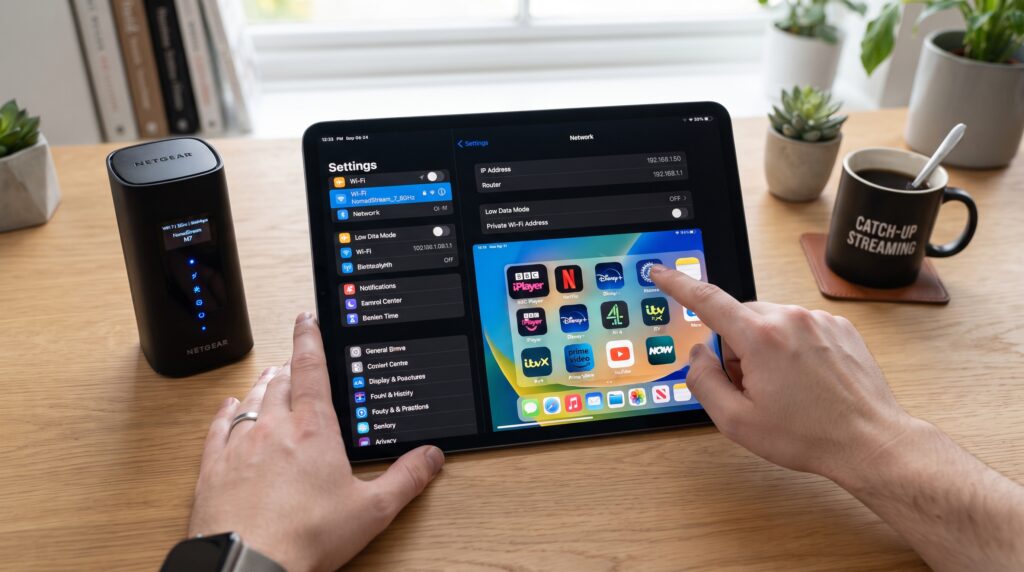
Major broadcast networks offer dedicated, free apps with robust catch-up libraries. These are often the most direct route to specific shows. Their content is typically available the day after broadcast, making it easy to watch catch up tv on ipad.
ABC and the ABC App
The ABC app provides access to full episodes of current primetime, daytime, and late-night shows. Popular series like “Grey’s Anatomy” and “The Bachelor” are available here. You can usually watch the five most recent episodes of a current season.
Live streaming of your local ABC station is also available in many markets. The app is free but requires a participating TV provider login for full access. Some content may be available without authentication for a limited time if you watch catch up tv on ipad.
CBS and Paramount+
CBS’s primary catch-up service is integrated into Paramount+. The tier called “Paramount+ Essential” includes current-season CBS shows post-air. You get next-day access to hits like “NCIS,” “Survivor,” and “The Late Show.”
The app also houses a massive library of classic CBS series, movies, and exclusive originals. It is a standalone subscription, so no cable login is required. This makes it a favorite among viewers who have cut the cord and want to watch catch up tv on ipad.
NBC and Peacock
Peacock is NBCUniversal’s comprehensive streaming platform. Its free tier offers limited access to current NBC shows, often with a one-week delay. Upgrading to Peacock Premium unlocks next-day access to all current-season NBC programming.
This includes shows like “Law & Order: SVU,” “The Voice,” and “Saturday Night Live.” Peacock also offers live streams of your local NBC channel with its Premium Plus plan. It’s a versatile all-in-one solution for NBC fans who watch catch up tv on ipad.
FOX and the FOX Now App
The FOX Now app delivers full episodes of FOX’s entertainment lineup. Catch up on animated favorites like “The Simpsons” or dramas like “9-1-1.” Similar to ABC, it requires a TV provider login for complete access to all episodes.
FOX also makes some of its sports content, like NFL highlights, available on the app. Certain episodes may be available for free without a login for a limited window. It’s a straightforward app focused on FOX’s core broadcast content for those who watch catch up tv on ipad.
Method 2: Aggregator & TV Everywhere Apps
These platforms combine content from multiple networks into a single, unified experience. They simplify the process of finding what to watch next. They often use your cable subscription as a key to watch catch up tv on ipad.
The Roku Channel & Tubi
While Roku is a device brand, The Roku Channel is also available as a free iPad app. It aggregates free, ad-supported content from dozens of partners, including some catch-up TV. Tubi operates on a similar model, offering a vast library of movies and TV shows at no cost.
These services are completely free and do not require any subscription or login. The catch-up TV selection can be sporadic, but they are excellent for discovering older series. They are supported by commercials, much like traditional broadcast TV, and provide another way to watch catch up tv on ipad.
Network TV Everywhere Portals
Many cable providers, like Xfinity Stream or Spectrum TV App, offer their own aggregator apps. These “TV Everywhere” apps grant access to all the network apps you’re subscribed to in one place. You can browse live TV, on-demand, and sometimes even cloud DVR recordings.
This is often the most powerful method if you have a traditional pay-TV subscription. It mirrors your home channel lineup on your iPad. The experience is seamless but entirely tied to your ongoing cable package, allowing you to watch catch up tv on ipad from virtually anywhere.
Method 3: Live TV Streaming Subscriptions
For cord-cutters, live TV streaming services are the ultimate solution. They provide live channels and extensive cloud DVR libraries for catch-up. They function as a direct replacement for cable or satellite and make it simple to watch catch up tv on ipad.
Hulu + Live TV
Hulu + Live TV combines a vast on-demand library with a robust lineup of live channels. Your subscription includes access to Hulu’s entire streaming catalog. More importantly, it includes the on-demand libraries of ABC, NBC, FOX, and many cable networks.
It also features an unlimited cloud DVR, so you can record any show that airs. This effectively creates a permanent, personalized catch-up library. It’s a top-tier choice for those who want comprehensive coverage and watch catch up tv on ipad.
YouTube TV
YouTube TV is renowned for its intuitive interface and reliable performance. It offers live streams from all major broadcast networks in most markets. Its cloud DVR is also unlimited and stores recordings for nine months.
The service’s on-demand library is tied to its live channel offerings. You can easily browse “New in your library” to see recently aired episodes available for catch-up. Its seamless integration across devices, especially iPad, is a major strength for anyone who wants to watch catch up tv on ipad.
Sling TV, fuboTV, and DIRECTV STREAM
These services offer competitive alternatives with different channel focuses. Sling TV is often the most budget-friendly, with customizable Blue and Orange packages. fuboTV is sports-centric but includes strong general entertainment and news coverage.
DIRECTV STREAM offers packages very similar to traditional cable, including regional sports networks. All provide cloud DVR and on-demand catch-up features. The best choice depends on your specific channel preferences and budget.
| Service | Starting Price | Cloud DVR | Major Broadcast Networks* | Best For |
|---|---|---|---|---|
| YouTube TV | $72.99/mo | Unlimited (9 months) | ABC, CBS, FOX, NBC | Simplicity & Reliability |
| Hulu + Live TV | $76.99/mo | Unlimited | ABC, FOX, NBC (CBS in select markets) | On-Demand + Live Combo |
| Sling TV | $40/mo | 50 Hours | FOX, NBC (varies by package/location) | Budget-Conscious Viewers |
| fuboTV | $79.99/mo | 1000 Hours | ABC, CBS, FOX, NBC | Sports Fans |
*Availability of local ABC, CBS, FOX, and NBC varies by geographic location. Always check your local channel lineup on the service’s website.
Method 4: Using a VPN for Geo-Restricted Content
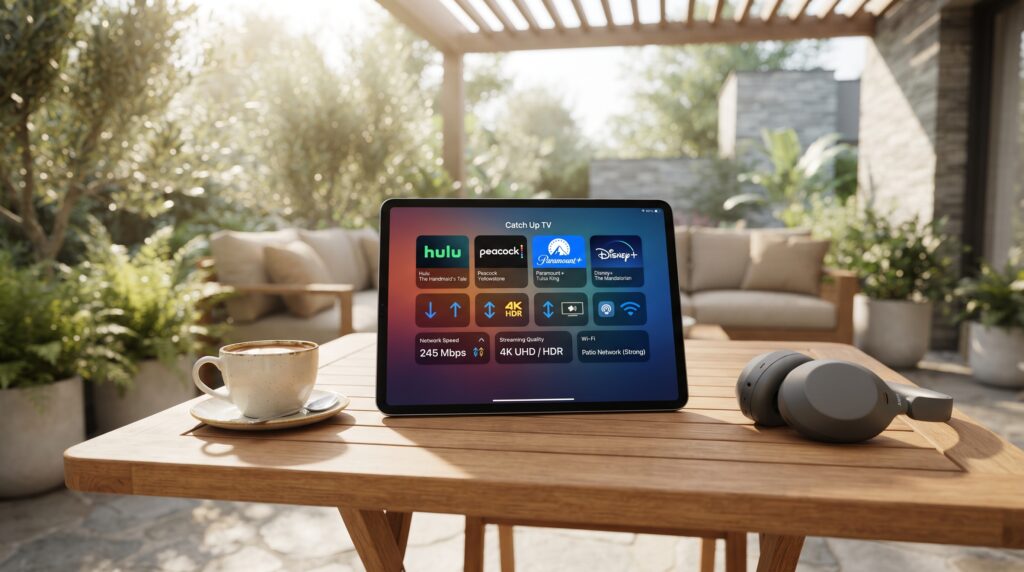
Sometimes the show you want is only available on a catch-up service in another country. A Virtual Private Network (VPN) can help you access these international libraries. It masks your real IP address, making it appear you are browsing from a different country to watch catch up tv on ipad.
How a VPN Works for Streaming
You install a VPN app like ExpressVPN or NordVPN on your iPad. Open the app and connect to a server in your desired country (e.g., UK for BBC iPlayer). Then, open the foreign streaming app or website; it should now grant you access so you can watch catch up tv on ipad.
This method is popular for accessing services like BBC iPlayer, ITV Hub, or Australia’s 9Now. It’s crucial to choose a VPN known for reliably bypassing streaming geo-blocks. Not all VPNs can consistently do this, as services actively block their IP addresses.
Important Legal and Practical Considerations
Using a VPN to access content may violate the terms of service of the streaming platform. The service could suspend your account if detected, though this is rare for individual viewers. You are also responsible for complying with the copyright laws applicable in your country.
Practically, international connections can be slower, leading to buffering. A premium VPN with fast servers minimizes this issue. Also, you may need to create an account with the foreign service, which sometimes requires a local postal address before you can watch catch up tv on ipad.
Step-by-Step Guide: Setting Up Hulu + Live TV on Your iPad
Let’s walk through setting up a popular all-in-one service. Hulu + Live TV exemplifies the modern catch-up experience. Follow these steps to get started and watch catch up tv on ipad.
- Download the App: Open the App Store on your iPad. Search for “Hulu” and download the official Hulu app.
- Launch and Sign Up: Open the Hulu app. Tap “Start Your Free Trial” and choose the “Hulu + Live TV” plan. Enter your email, password, and payment information to create your account.
- Set Your Home Network: Hulu + Live TV requires you to set a “Home Network” for live local channels. Follow the in-app prompts to confirm your location using your iPad’s Wi-Fi network.
- Customize Your Experience: The app will guide you to select favorite channels and set up profiles. Create separate profiles for different household members for personalized recommendations.
- Navigate to Catch-Up Content: Tap the “Browse” tab. Select “Networks” to see all channels. Choose a network like ABC to see both live TV and available on-demand episodes from recent broadcasts.
- Use the DVR: From the “My Stuff” tab, you can manage your DVR. To record a future show, find it in the Guide, tap the program, and select “Record.” All recordings are saved in your cloud DVR for catch-up.
Pro Tips for a Flawless Experience
- Enable Offline Downloads: For travel, use apps like Paramount+, Peacock Premium, and Netflix to download episodes. This saves data and ensures entertainment without an internet connection when you watch catch up tv on ipad.
- Optimize Video Quality: In your iPad’s Settings, go to “TV Provider” or individual app settings. Ensure playback is set to “Best Available” or “High” for the optimal visual experience on your Retina display.
- Manage Subscriptions Centrally: Use your iPad’s Settings > [Your Name] > Subscriptions to view and cancel all streaming services in one place. This prevents forgotten charges.
- Use Headphone Audio Enhancements: With AirPods or other headphones, enable Spatial Audio in the Control Center for an immersive, theater-like sound experience while watching.
- Leverage Siri Suggestions: The iPad’s Search function and Siri will learn your viewing habits. It can proactively suggest opening an app to watch the next episode of your current series, making it even easier to watch catch up tv on ipad.
Common Mistakes to Avoid
One major error is assuming all apps work identically without reading the fine print. Some free apps only offer a handful of recent episodes, while others have full seasons. Always check the “Details” section of an app in the App Store for its requirements before you watch catch up tv on ipad.
Another common pitfall is neglecting to update your apps. Developers constantly release updates for stability, new features, and bug fixes. Outdated apps can crash, fail to load video, or have security vulnerabilities that may affect your ability to watch catch up tv on ipad.
Finally, many users forget to log out of shared devices or public Wi-Fi. Always log out of your streaming apps on iPads that are not solely yours. Consider using a password manager to keep your unique, strong passwords secure for each service you use to watch catch up tv on ipad.
Frequently Asked Questions (FAQs)
Do I need a cable subscription to watch catch up TV on my iPad?
No. While some free apps require a cable login, many services like Paramount+, Peacock, and live TV streaming bundles (YouTube TV, Hulu + Live TV) operate independently. You can watch catch up tv on ipad without traditional cable.
Why does a network app say I need to “verify my TV provider”?
This is authentication. Networks provide free on-demand access as a bonus to paying cable/satellite subscribers. The login proves you have a qualifying TV package that includes that channel.
Can I download episodes to watch offline on my iPad?
Yes, many subscription services like Netflix, Paramount+, and Peacock Premium offer download features. Look for a download icon (downward arrow) on eligible episodes. Free, ad-supported apps rarely offer downloads if you watch catch up tv on ipad.
How long do episodes stay available on catch-up services?
It varies. Broadcast networks often keep the 5-6 most recent episodes. Cable channels may offer entire current seasons. Streaming originals typically remain as long as the service holds the rights. Always check the app.
Is it legal to use a VPN to access catch-up TV from another country?
Using a VPN is legal in the US. However, bypassing geographic restrictions violates the Terms of Service of the streaming platform. The service may block VPN IP addresses or, in rare cases, suspend your account.
What’s the best app to stream TV on iPad for free?
The best free, legal options are Tubi, The Roku Channel, and the free tiers of Peacock and Pluto TV. They offer a mix of movies, classic TV, and some recent episodes, all supported by ads, making it easy to watch catch up tv on ipad.
Conclusion: Your Entertainment Hub Awaits
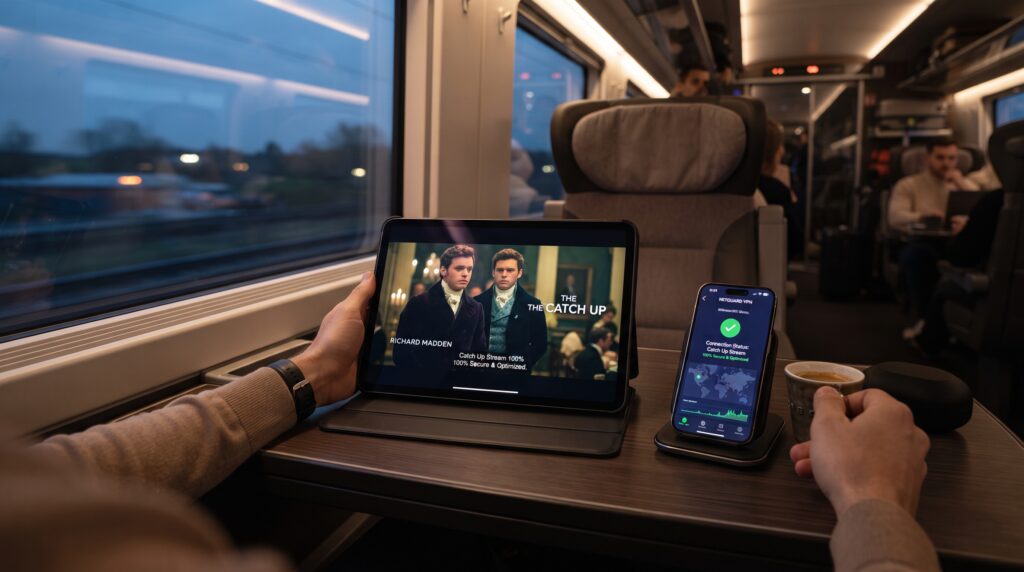
Your iPad holds the key to a world of television freedom. You are no longer bound by schedules or single-network loyalty. By mixing and matching the methods in this guide, you can build a perfect, personalized viewing system to watch catch up tv on ipad.
Start with the free network apps if you have a cable login. Explore aggregators like Tubi for no-cost entertainment. For the ultimate cord-cutting experience, invest in a live TV streaming service with a robust DVR. Remember the pro tips to enhance quality and convenience.
The journey to watch catch up tv on ipad is now complete. Grab your tablet, download your chosen apps, and reclaim your viewing schedule. Happy streaming!